

Did you know that nearly 20% of total website traffic comes from SEO, and almost 70% of that traffic is non-branded? That means people are finding you because of your products and content—not because they already know your brand.
Now here’s the scary part.
If you run an e-commerce site with around 500 URLs driving organic traffic, a poorly planned migration can quietly erase 15–30% of that SEO traffic. Do the math:
- 20% (SEO traffic) × 70% (non-branded) × 15% loss = 2.1% revenue gone
- At 30% loss? That’s 4.2% of total revenue—overnight
Ever lost 4% of revenue without a single ad campaign failing? That’s what a bad migration feels like.

A Shopify SEO migration usually happens when brands:
- Move from WooCommerce, Magento, or custom platforms
- Redesign outdated themes from the Shopify theme store
- Upgrade to Shopify Plus for scale and performance
- Rebuild their Shopify online store for CRO or speed
The opportunity is huge—but so is the risk.
As a Shopify Development company based in Bengaluru, Qortechno has helped brands migrate hundreds (sometimes thousands) of URLs without traffic loss. As Shopify development partners and expert Shopify developers, we treat SEO like the foundation—not an afterthought.
Because migration isn’t just moving pages, It’s protecting revenue, rankings, and trust.
Common Migration Pitfalls—and How to Avoid Them
Most SEO disasters during migration don’t happen because Shopify is bad. They happen because SEO wasn’t involved early enough.
Here are the most common mistakes we see—and how a seasoned Shopify SEO agency like Qortechno prevents them.
1. Making Unnecessary Changes
Migration is not the time to “clean up everything.”
Changing URLs, content, templates, and navigation all at once makes it impossible for Google to understand what stayed the same.
Our rule:
If it’s ranking and converting, don’t touch it.
2. Forgetting to Redirect Some URLs
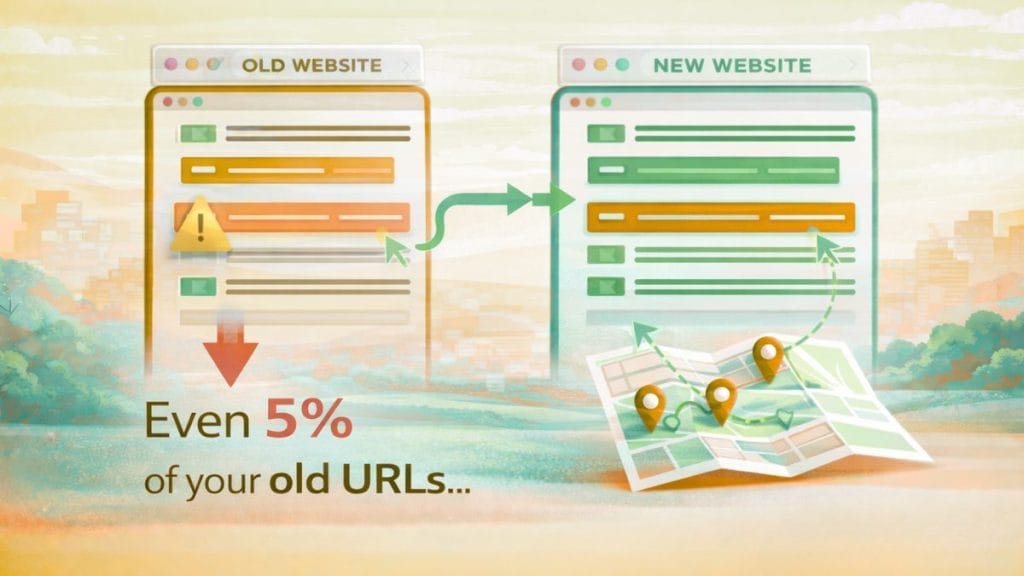
Miss even 5% of your old URLs, and Google sees broken paths.
Redirects are your SEO safety net. Every missing redirect is lost authority.
At Qortechno, our Shopify developers create a master redirect map—no guesswork.
3. Changing Title Tags Without Strategy
“Let’s rewrite all titles for better CTR” sounds smart—until rankings drop.
Google needs continuity.
We keep top-ranking title tags stable and optimize only after performance settles.
4. Modifying Internal Link Structure
Internal links pass authority like electricity through a circuit.
Break the circuit, and the pages lose power.
Our Shopify development agency audits internal links before and after migration to preserve link equity.
5. Hitting Shopify Redirect Limits
Shopify has redirect limits. Hit them unknowingly, and redirects silently fail.
An expert Shopify development partner plans redirect logic early—sometimes consolidating intelligently.
6. Migrating Right Before Peak Season
Migrating during Diwali, Black Friday, or year-end sales is asking for trouble.
Traffic volatility + algorithm reprocessing = risk.
We always align migrations with business calendars, not just dev timelines.
Shopify SEO Migration Checklist (That Actually Works)
This is the same framework Qortechno uses as a Shopify SEO company for real client migrations.
Phase 1: Preparation and Data Gathering
This phase decides whether your migration succeeds or fails.
Checklist:
- Crawl the existing site (all indexable URLs)
- Build a master URL + content inventory
- Export:
- Top landing pages (GA / GSC)
- Backlink URLs
- Ranking keywords
- Benchmark current:
- Traffic
- Conversions
- Revenue
- Set up Google Search Console for the new Shopify store
Pro Tip:
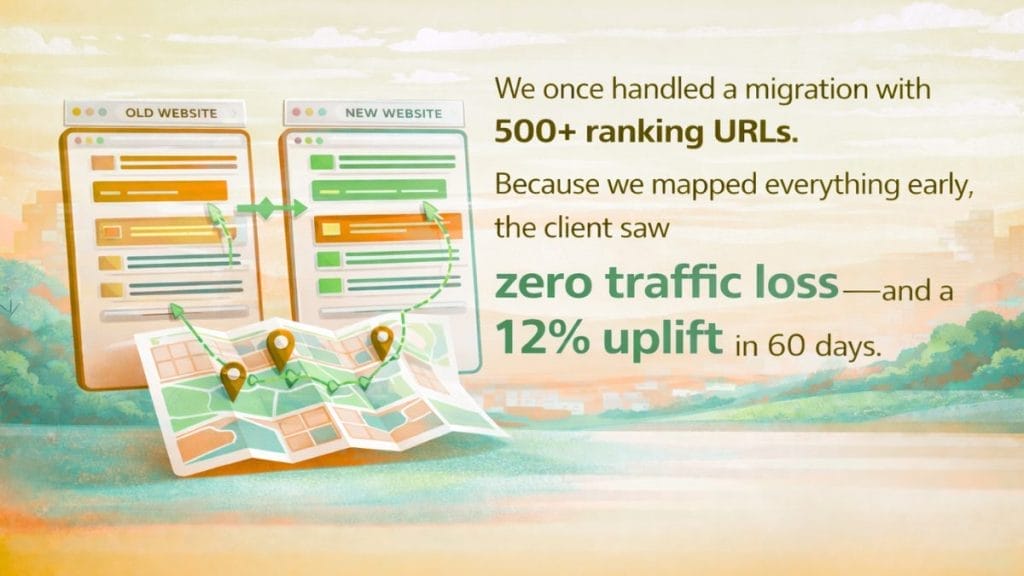
We once handled a migration with 500+ ranking URLs. Because we mapped everything early, the client saw zero traffic loss—and a 12% uplift in 60 days.
That’s what preparation buys you.
Phase 2: Site Setup and Migration
Now the real Shopify website development begins.
Checklist:
- Define new site architecture (collections, products, blogs)
- Match old URLs to new Shopify URLs
- Create 301 redirects before launch
- Migrate:
- Product descriptions
- Blog content
- Meta titles & descriptions
- Configure:
- Canonical tags
- Robots.txt
- XML sitemap
- Choose or customize a theme from the Shopify theme store
- Optimize for Core Web Vitals
As Shopify development partners, we ensure the new Shopify online store is not just beautiful, but crawlable.
Phase 3: Launch
This is a controlled switch, not a flip-the-switch moment.
Checklist:
- • Update DNS carefully
- • Remove Shopify password protection
- • Ensure:
- Noindex tags are removed
- Analytics is tracking
- Search Console is connected
Think of this like opening a new physical store.
You don’t unlock the door until everything inside is ready.
Phase 4: Immediate QA and Validation
Launch day isn’t the finish line—it’s mile one.
Checklist:
- Test all critical redirects manually
- Crawl the new site
- Fix:
- 404 errors
- Duplicate URLs
- Missing metadata
- Check internal linking paths
- Verify structured data
Our expert Shopify developers treat this phase like an emergency room—fast, precise, and calm.
Phase 5: Post-Migration Monitoring
SEO recovery is a process, not a switch.
Checklist:
- Monitor GSC daily for:
- Coverage issues
- Crawl errors
- Track keyword movements
- Re-submit sitemap
- Optimize pages that dipped
- Continue SEO for Shopify improvements
Typical Recovery Timeline:
- Week 1: Small ranking fluctuations (normal)
- Month 1: Stabilization + optimizations
- Month 3: Full recovery or growth beyond baseline
With the right Shopify SEO consultant, migrations often become growth moments—not losses.
Conclusion: Migration Done Right Is Invisible to Users—and Loved by Google
A Shopify migration should feel boring to customers.
No broken links.
No missing pages.
No traffic cliff.
When done right, users don’t notice anything—except faster load times and smoother shopping.
That’s the goal.
At Qortechno, we combine Shopify development services with deep Shopify SEO expertise. As a trusted Shopify Development agency and Shopify Plus Development agency, we handle everything end-to-end—from code to rankings.
How Qortechno Can Help
- Full Shopify SEO migration planning
- Shopify Plus upgrades
- Ongoing Shopify SEO services
- Dedicated shopify seo expert support
If you’re planning a migration—or already feeling nervous about one—let’s talk.
👉 Request a free Shopify SEO migration audit
FAQ
It varies, but most stores see 50% recovery in the first month with solid redirects and monitoring—as we did for a Bengaluru apparel brand that bounced back fully in 10 weeks. Expect a Week 1 dip (5-10%), then steady climbs if you follow our checklist. Poor planning? It could drag on for 6 months. Pro tip: Weekly GSC checks speed it up.
Forgetting 301 redirects on every old URL—it’s like burning your customer’s treasure map. We’ve seen traffic vanish 20-30% overnight from this. Qortechno’s Shopify developers map thousands preemptively. Always audit with Screaming Frog first; it’s your migration lifeline.
DIY works for tiny stores (<50 URLs), but for scaling e-commerce? Get pros. A Shopify development company like Qortechno handles tech + SEO seamlessly—saving our clients 4.2% revenue hits. Think of it as hiring a pilot for your store’s flight; why risk the turbulence solo?
Absolutely—they rewrite URLs and code if you’re not careful. Stick to custom themes with preserved structures, as we integrate for Shopify Plus clients. Test on staging: One Qortechno fashion store swapped themes mid-migration with zero ranking loss by locking internal links.
Same rules, bigger stakes—those platforms hoard custom URLs. Export everything via plugins (e.g., Woo’s Redirection), then 301 map to Shopify. We migrated a Mumbai electronics site with 1,500 URLs; traffic held at 25K sessions/month. Bonus: SEO for Shopify shines post-switch with faster loads.
Depends on store size—₹2-5 lakhs for mid-tier (500 URLs), including audits and 90-day monitoring. Cheaper than losing 2-4% revenue! Qortechno offers free audits via www.qortechno.com/contact
