


Picture yourself launching your own Shopify-based business, only to see potential consumers add an item to their cart and disappear into cyberspace. At Qortechno, we optimized one of our clients’ sites, loading in over 5 seconds, into speedsters within weeks, regaining 30% of lost sales overnight.
Performance is not just about being faster – it is the foundation of your e-commerce success. Google Core Web Vitals will deduct points from slow-loading sites in their search results ranking algorithms, impacting Shopify SEO. A slow-loading website is a death to conversion rates, with research indicating a 7% fall with every additional second of load time. In a competitive market like Bangalore, every millisecond counts in establishing trust.
In this blog, I will share experience-proven tips as an SEO practitioner in Qortechno, a renowned Shopify Development company. We will explore site speed optimization, Shopify SEO optimization, User experience enhancement, and technology leverage. I request you to stick with this blog, through which you will be able to take effective steps towards optimizing your online store.
Optimize Site Speed
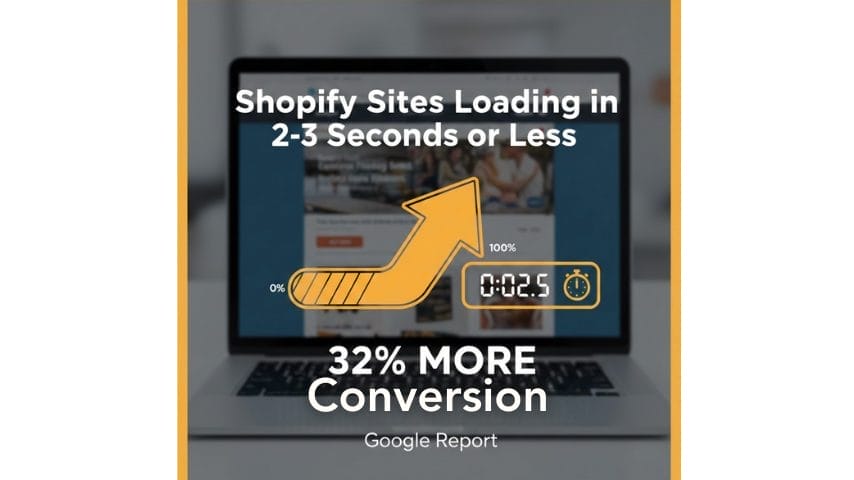
This is non-negotiable. For Shopify sites loading in 2-3 seconds or less, there are 32% more conversions, as Google reports. For us, as Shopify web developers at Qortechno, this is the foundation of each audit we perform, aiming at Core Web Vitals such as LCP & CLS.
First, start with images – they’re probably the main traffic offenders. Compress images without losing their quality with TinyPNG or the image compressor available on Shopify.Use lightweight themes: You should consider themes available at the Shopify theme store only. Free themes may be bulky, but the Dawn theme, for example, is optimized for fast page loading.
Minimize apps: Go through your list of apps. Remove any that are no longer being used. All add codes that reduce the effectiveness of your Shopify website.Implement lazy loading. Shopify already has this capability built in for images that load when scrolled through by users.Utilize a CDN: Shopify offers a free and automatic CDN, but it is most effective when integrated with Cloudflare to handle high-traffic areas, such as India.Before and after testing with Google PageSpeed Insights. Such optimizations alone resulted in a 40% increase in LCP for a client. Easy peasy.
Master Shopify SEO
Great speed is the preamble, but Shopify SEO turns visitors into customers. Shopify SEO Optimization is not rocket science – it’s smart basics that search engines adore. As an expert in Shopify SEO at Qortechno, I’ve assisted shops in search rankings through the lens of user intent.

The starting point is conducting keyword research specifically geared towards SEO for Shopify. Using tools such as Google Keyword Planner, one can identify keywords such as ‘best running shoes Bangalore’ that have a considerable level of search volume and minimal competition.
Key tactics:
- Optimize meta tags: Write distinctive titles (under 60 characters) and descriptions (155 characters) for each page. Shopify’s editor makes it simple.
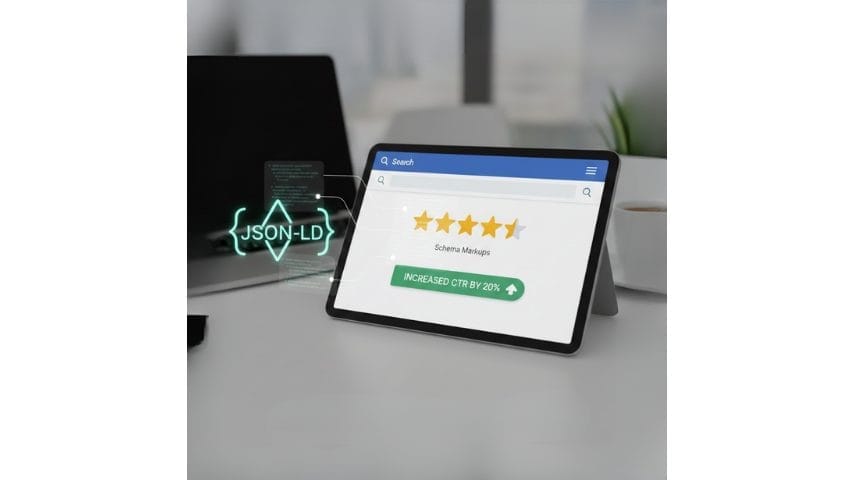
- Add Schema Markups: Utilize apps like JSON-LD Products to incorporate rich snippets, which can increase CTR by 20% by featuring stars in search results.
- Clean URLs and alt attributes: Organize URLs in the form /product-name, and use descriptive alt attributes on image elements.
Don’t go solo if you’re drowning. Let a shopify seo service or consultant like us from Qortechno bring you expert audits, content, and backlink strategies. We transformed nondescript e-stores into the number one-ranked Shopify e-stores. Use Google search analytics to monitor your progress—watch your numbers skyrocket.
Enhance UX and Design
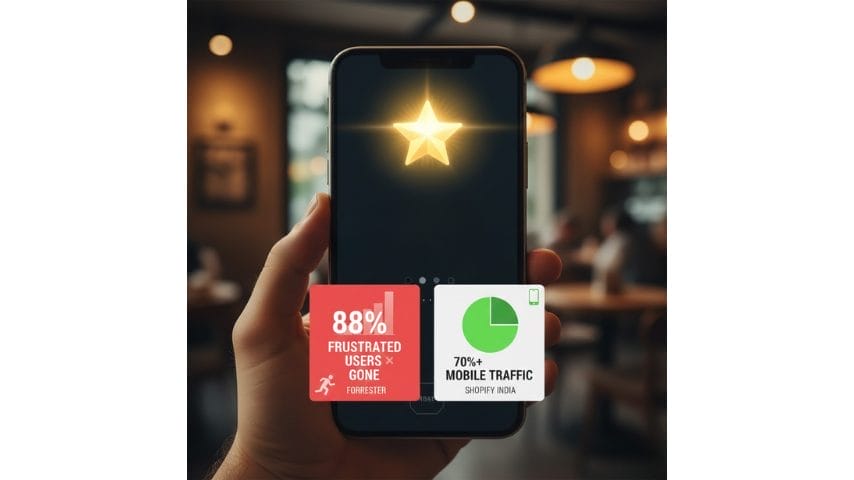
Performance shines brightest with stellar UX. A clunky design chases away 88% of frustrated users, per Forrester. Mobile-first is key—over 70% of Shopify traffic is mobile, especially in India.
Prioritize intuitive navigation. Limit menus to 7 items, use mega menus for categories, and add a sticky search bar.
- Mobile optimization: Ensure responsive design passes Google’s Mobile-Friendly Test. Test pinch-to-zoom and thumb-friendly buttons.
- Streamline checkout: Enable one-page checkout and Shop Pay for 50% faster completions—Shopify’s built-in tools handle this.
- Trust signals: Add reviews, secure badges, and live chat to reduce cart abandonment.
For custom needs, partner with Shopify development partners or a Shopify Development agency. At Qortechno, our Shopify website development services create bespoke themes that blend beauty and speed. We’ve redesigned stores for Bangalore brands, lifting conversions by 25%. Users stay longer, buy more—win-win.
Leverage Apps and Tech
Apps supercharge Shopify without breaking the bank. Choose wisely—only 5-10 essential ones to avoid bloat.
Top picks for performance:
- Page speed boosters: Like Booster Theme or Perfmatters for advanced caching.
- SEO enhancers: Plug in All in One SEO for Shopify or Smart SEO.
Scale big with Shopify Plus. High-volume stores benefit from its API limits and scripting—engage a Shopify Plus development agency for migrations. Expert Shopify developers at firms like Qortechno handle custom apps and Liquid code tweaks. We’ve integrated headless setups for sub-second loads. It’s tech that grows with you.
Conclusion
You’ve got the blueprint: Crush site speed with themes and CDNs, nail Shopify SEO through keywords and schema, polish UX for mobile magic, and pick apps wisely for scale. Implement these, and watch Core Web Vitals improve, rankings climb, and sales surge—just like our Qortechno clients.
Start small: Run a PageSpeed test today and prune one app. Track wins with analytics. Your Shopify store deserves to thrive—act now for lasting results.
How Can Qortechno Help?
As a premier Shopify development partner and shopify seo company, Qortechno delivers end-to-end Shopify development services. From speed audits and custom Shopify theme store integrations to shopify seo services and SEO for Shopify optimizations, our expert Shopify developers and shopify seo experts handle it all.
We’ve empowered e-commerce brands in Bangalore with scalable solutions. Schedule your free store audit—reply to this message or visit our website to get started.
FAQS
When you have a Shopify store, you want to make it better. So Shopify store optimization is when you make your store faster and easier to use. This helps people who visit your store to actually buy things from you. You do this by making changes to the way your store looks, the pictures you use, the tools you add, and the behind-the-scenes code. The goal is to make your Shopify store work well and help you get more sales. A Shopify store that is optimized is simple for people to use, shows up in search results, and makes you more money.
Optimization is really important. If your store is slow and confusing, you will lose people who visit your store, and your store will not show up as high in search results. You will not make as many sales. A fast and well-organized Shopify store is what you need. This kind of store keeps people, helps them buy things, and is good for your seo, for your Shopify strategy. It also tells Google that your store is a one, so Google will show your website higher up in search results.
You can make your store better by making the pages load faster. This means you should compress the images and get rid of any apps that you do not need. You should also make it easy for people to use your store. This means you should have navigation and let people check out without making an account. Shopify SEO is also important. You should use keywords and meta tags, and you should link to other pages on your store.
Regularly checking your store for problems is a good idea. This way you can. Fix issues before they become big problems. A lot of brands work with a Shopify Development company or a Shopify SEO agency to make sure their store is always running well and looking good. They do this so they can keep making their store all the time.
To see how well your shop is doing, you can use the tools that come with Shopify to check its speed. You can also use tools like Google PageSpeed Insights or Lighthouse to get more information. Look at things like how long it takes for pages to load, how well it works on mobile phones, and something called Core Web Vitals. This will help you figure out where people are having trouble with your shop.
A good way to find problems is to do a check of your shop. This check will show you what is going wrong with the themes, the apps, and the code. Then your Shopify developer can fix these problems.
Shopify has some basics for search engine optimization. You can change the title tags, meta descriptions, and URLs. It also has XML sitemaps, SSL, and themes that work well on phones. These things help search engines look at your store. Think it is trustworthy. If you need help, a lot of people who sell things on Shopify work with a Shopify seo company or a Shopify seo consultant. They can help with the stuff and come up with a plan for the content of your store. A Shopify seo company can do a lot to make your store show up better in search results.
I want my Shopify store to be really appealing to people who visit it. What are some things I can do to make my Shopify store stand out and make people want to shop at my Shopify store?When you are making a website, you need to pick a theme that looks nice and is connected to your brand. You should use good pictures of the products you are selling. It is also very important to make it easy for people to find what they are looking for on your site.You should also add some things that make people trust your site, like what other people think of your products, symbols that show your site is safe, and information about what happens if someone wants to return something.Good design, good content, and a good user experience all work together to help you sell things and to help people find your site on Shopify.
Experts understand how themes, apps, Liquid code, and Core Web Vitals work together, so they can speed up your store without breaking functionality. A Shopify Development agency or expert Shopify developers can remove bloat, optimize assets, and fine‑tune performance for both desktop and mobile. This leads to better rankings, higher conversions, and a more scalable Shopify online store.
